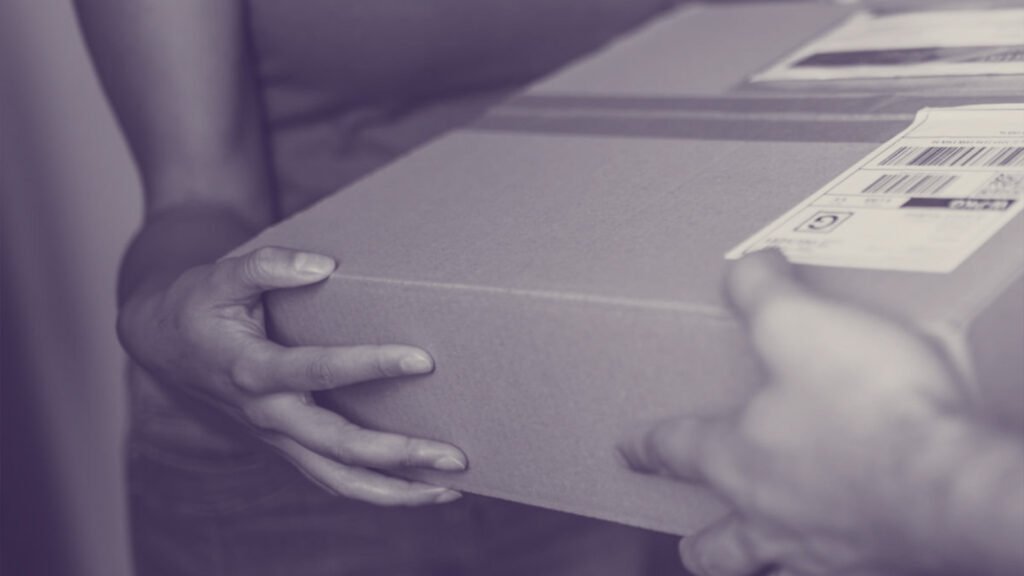
The WHO CARED Tool-Box contains:
- a phone stand
- a lavalier microphone
- a ring light
Please allow us at least one week's notice to send you the set. Borrowing the equipment is free of charge for you – if necessary, we will also cover the shipping and return costs.
Just send us an email with your address (Subject: Toolbox Hire Requestand support@who-cared.com. WWe will get back to you as soon as possible.
- Position your conversation partner as favourably as possible facing the light. This could be a window or the light from our toolbox.
- Ensure the light doesn't cast harsh shadows on the face.
- Warning: The light can be very bright at midday in the summer. It's better to watch films in the morning or afternoon.
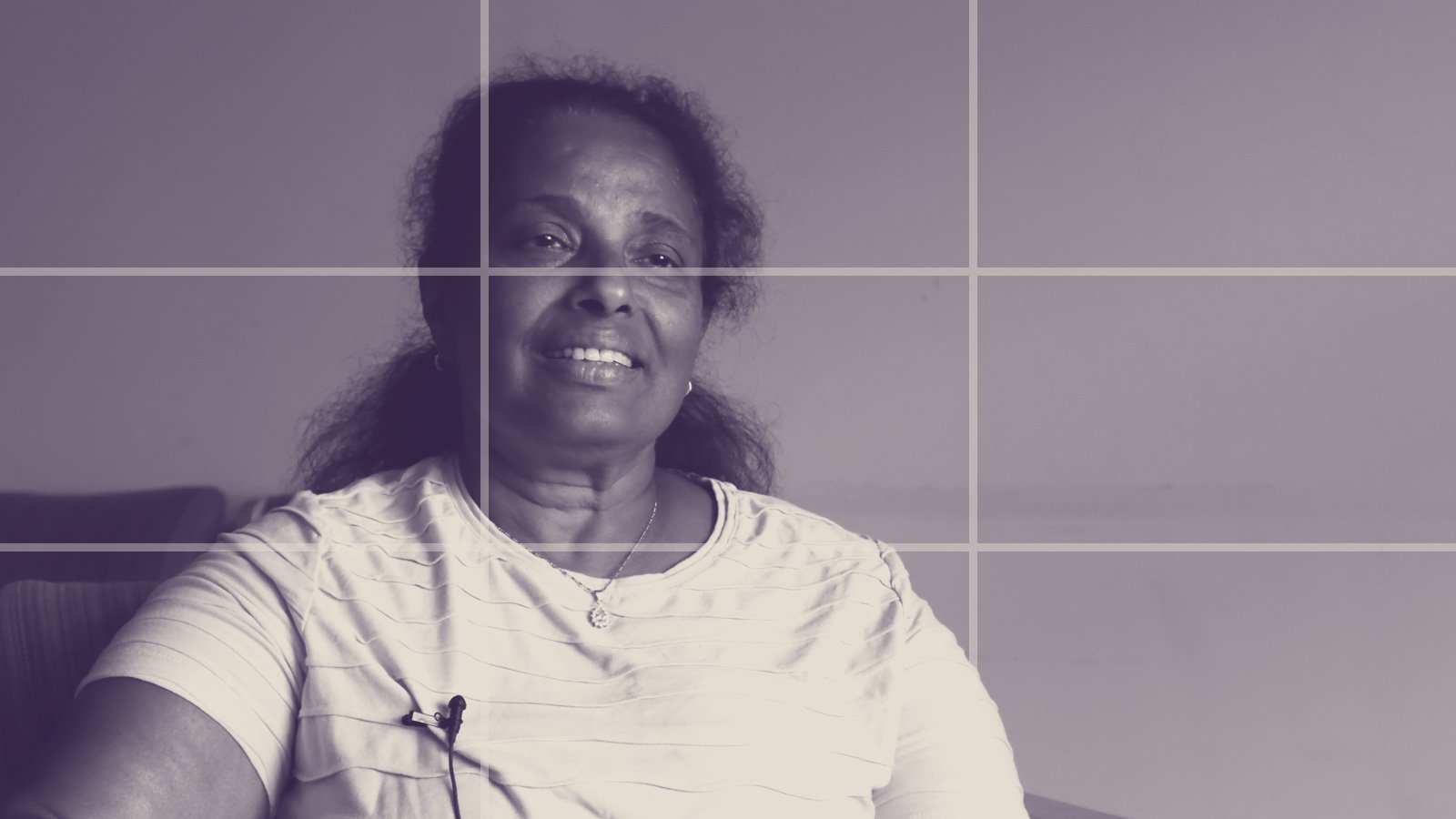
- The mobile phone camera should be positioned at eye level.
- The person can sit in the centre or slightly to one side of the image.
- For the shot, choose the medium shot: from chest height upwards.
- You are sitting next to the camera. The person is not facing the camera, but you. They look at you during the conversation.
- Ensure the framing is flattering and that the person likes how they appear within it. Show them a test shot if necessary.
- Close windows and doors. Please inform people in the same flat to be quiet.
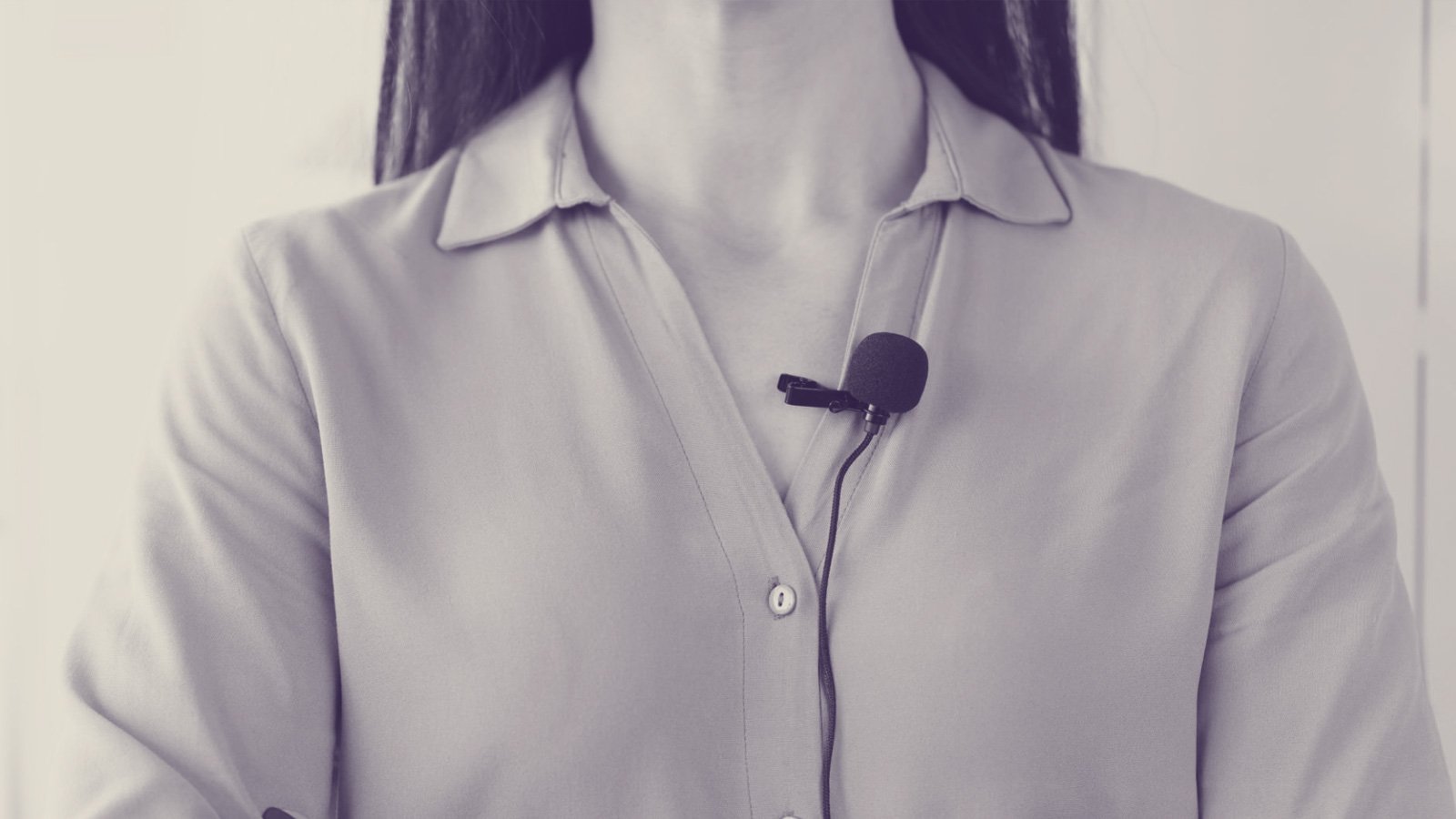
- Bring the microphone as close to the person as possible.
- Make a test recording where your conversation partner speaks at a normal volume.
- The audio is too quiet or distorted (too loud)? Adjust the microphone distance.
This is too much for you Much effort? Then just work with what you have.
Do you live near Cologne? Save yourself the set-up and come to us our studio.
Next steps
Checklist
☐ Find a dateTake two hours so you have enough buffer.
☐ Set a meeting placeIdentifies a place that is quiet and as bright as possible.
☐ Prepare conversation: Have you thought of any questions? Have a look at our FAQs.
☐ Prepare equipment: Do you have enough storage space on your phone, a tripod? Has our toolbox arrived? Familiarise yourself with everything you need.
☐ Choose clothing: Bright colours and patterns can be distracting on camera. Please ask your conversation partner to wear something neutral that they feel comfortable in.
☐ Print documents Hold both Consent forms Ready, put together your list of questions and it would be best to bring both in printed form.
☐ Prepare room: Choose a neutral background if possible, or remove any distracting objects. Let people in the vicinity know that you're taking a photograph and need quiet.
☐ Consent form Have you explained everything about that? Does your conversation partner have any questions? Do you want to sign the documents before or after the conversation?
Ensure good lighting Position the person in front of a soft light source (e.g. a window or lamp) and ensure the face is evenly lit.
☐ Set up your camera: Use a tripod, position the camera at eye level, film in landscape format, and select the highest available video quality (HD or 4K).
☐ Select the image crop: Film in a medium shot, meaning from chest height upwards. Your conversation partner should look just past the camera at you to create a natural impression.
Set the tone: Position the phone or microphone as close as possible to the person. Ask your conversation partner to speak quietly and loudly and ensure clear sound quality.
Check the progress, if the camera and sound are still running.
☐ Secure your files: Photograph the consent form and carefully save all files (video, audio, form).
☐ Take a joint selfie: For you, but also for us 🙂
☐ Send us the signed consent form first Specifically here. We will then send you the upload link for the video.
Have you borrowed our toolbox? Then pack everything up and send it back to us with the returns label.
Home checklist
Would you prefer a printable version? Download the checklist above as a PDF and keep Everything in view.
Any more questions?
Here, we've summarized the most important information in a clear and concise manner.